
Tag: AI Chat
-
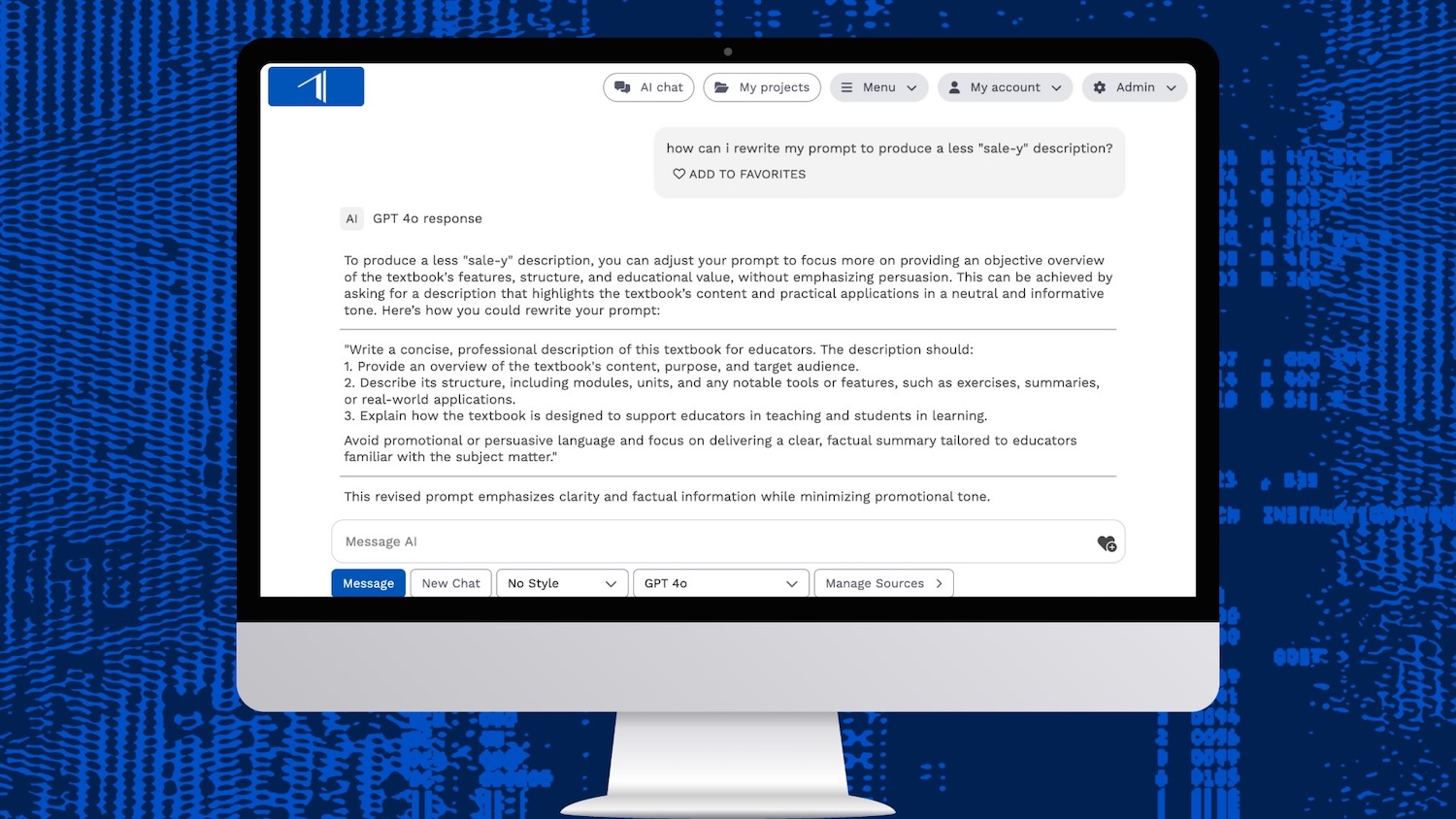
Prompt Basics: Get Started in AI Chat
Writing prompts for AI doesn’t have to be complicated. Here are some basic tips to get started and get great results from AI Chat.
-

Audiobook Pre-Production in Insight
Use Insight’s various AI tools to help you build voice profiles, get pronunciation guides, and reformat your book into an audio script.
-
Insight Update: April 1, 2025
Scan your books and long documents with AI, delete messages in chat conversations, and set chat as your homepage.
-
Insight Update: March 1, 2025
Use notebooks in AI Chat to share and organize your chats. And the new adapt tool lets you transform documents in new ways.
-
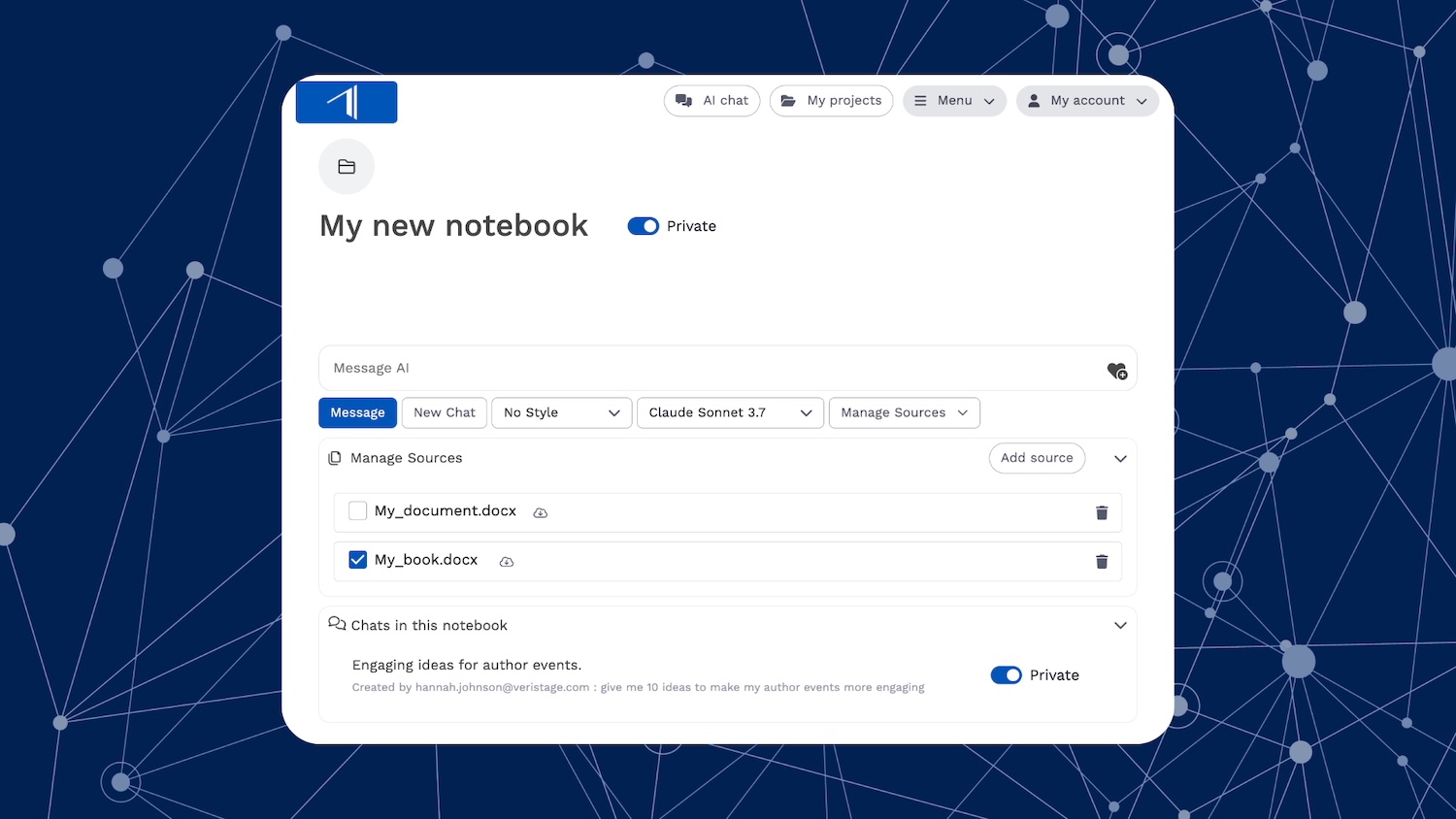
How to Use Notebooks in Insight’s AI Chat
Notebooks in Insight’s AI Chat help you organize chats, work with multiple books and documents, and collaborate with colleagues.
-
Insight Update: February 3, 2025
Improved comp title recommendations, new interface design, alt text for images, translation instructions, and graphic novel support.
-
Insight Update: December 16, 2024
Create PowerPoint slides and export images and descriptions as CSV. Insight also features a full textbook upload type, produces character counts, and supports more languages.
-
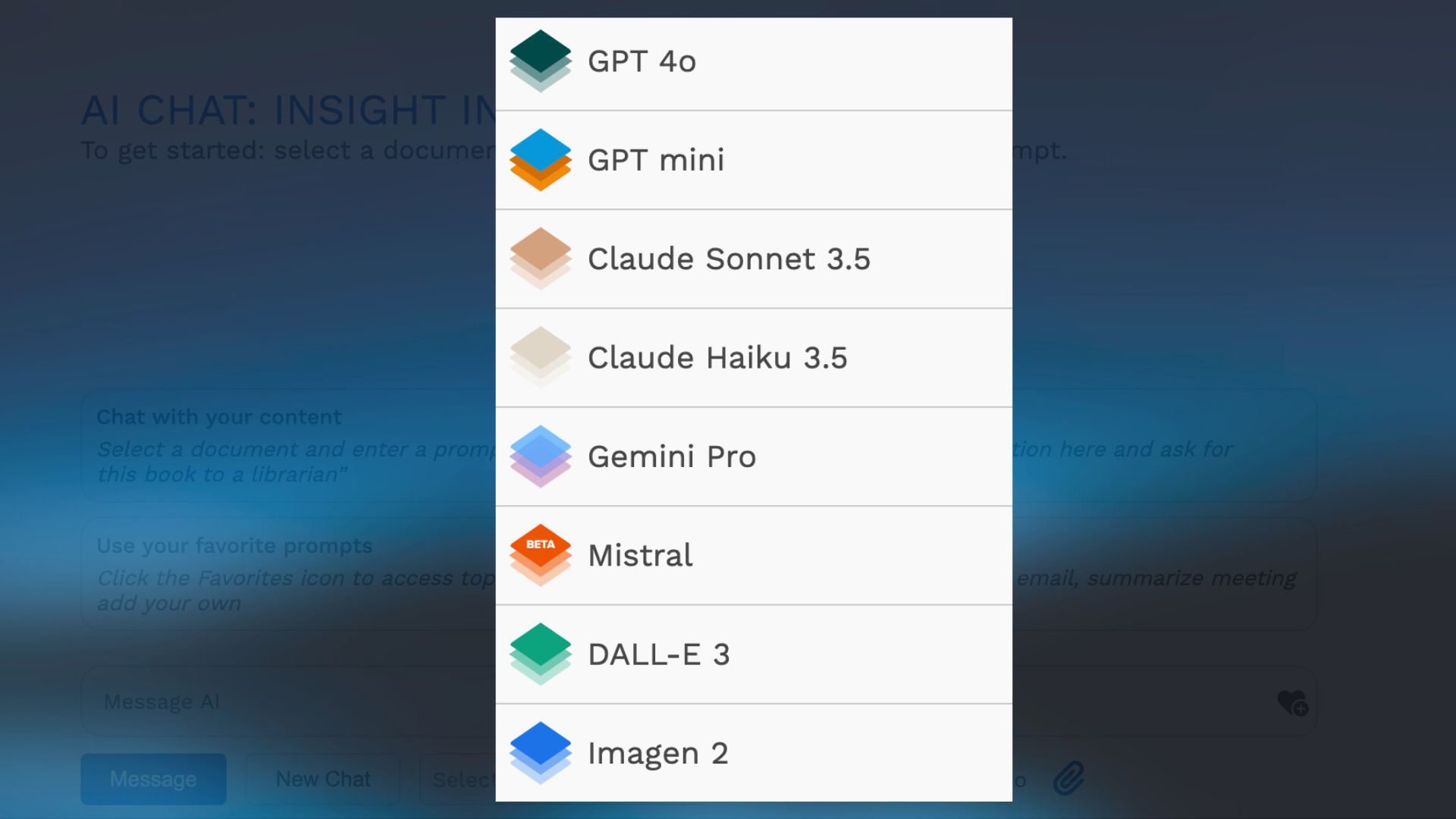
Get to Know the LLMs in Insight
Get to know the LLMs available in Insight, what each model’s capabilities are, and how to choose a model for your work.
-

Chat Prompts for Publishers
We’re constantly gathering, testing, and updating these chat prompts, organized by department: editorial, marketing, publicity, sales, and rights.