
Tag: English
-
Insight Update: October 20, 2026
Canvas in AI Chat, translation and proofreading jobs from the chat, watermarked review copies, Notes for AI, and new AI models.
-
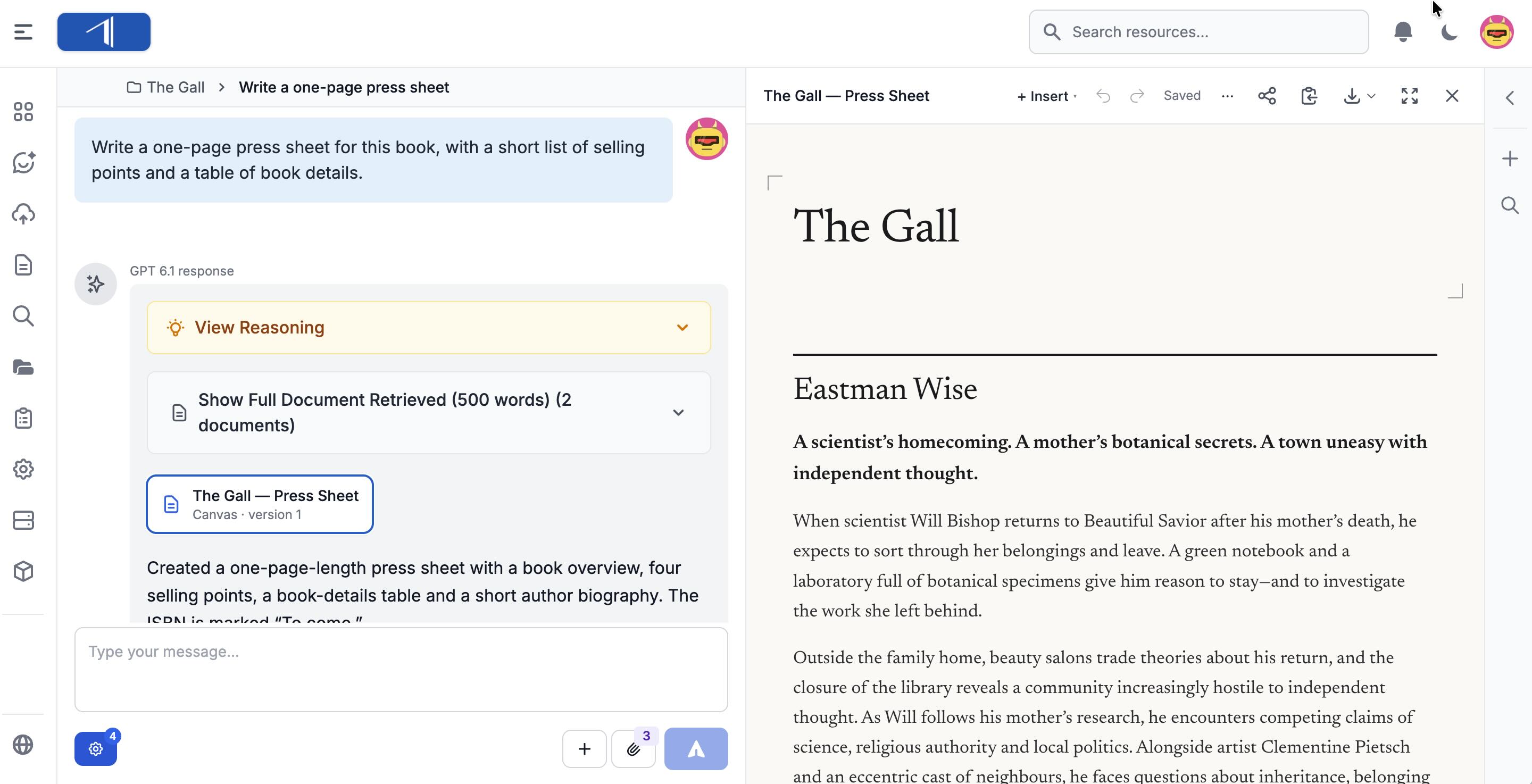
Canvas in AI Chat: Write and Edit Documents with AI
Write info sheets, summaries, pitches, and marketing copy with AI Chat in a Canvas beside the conversation. Edit the text yourself or with AI, go back to earlier versions, and download or share the result.
-
3D Book Mockup
How to use this prompt:
-
Insight Update: September 29, 2026
Better translations, proofreading rulesets from your style guide, visual search inside your documents, GPT 6, and new EPUB and audio tools.
-
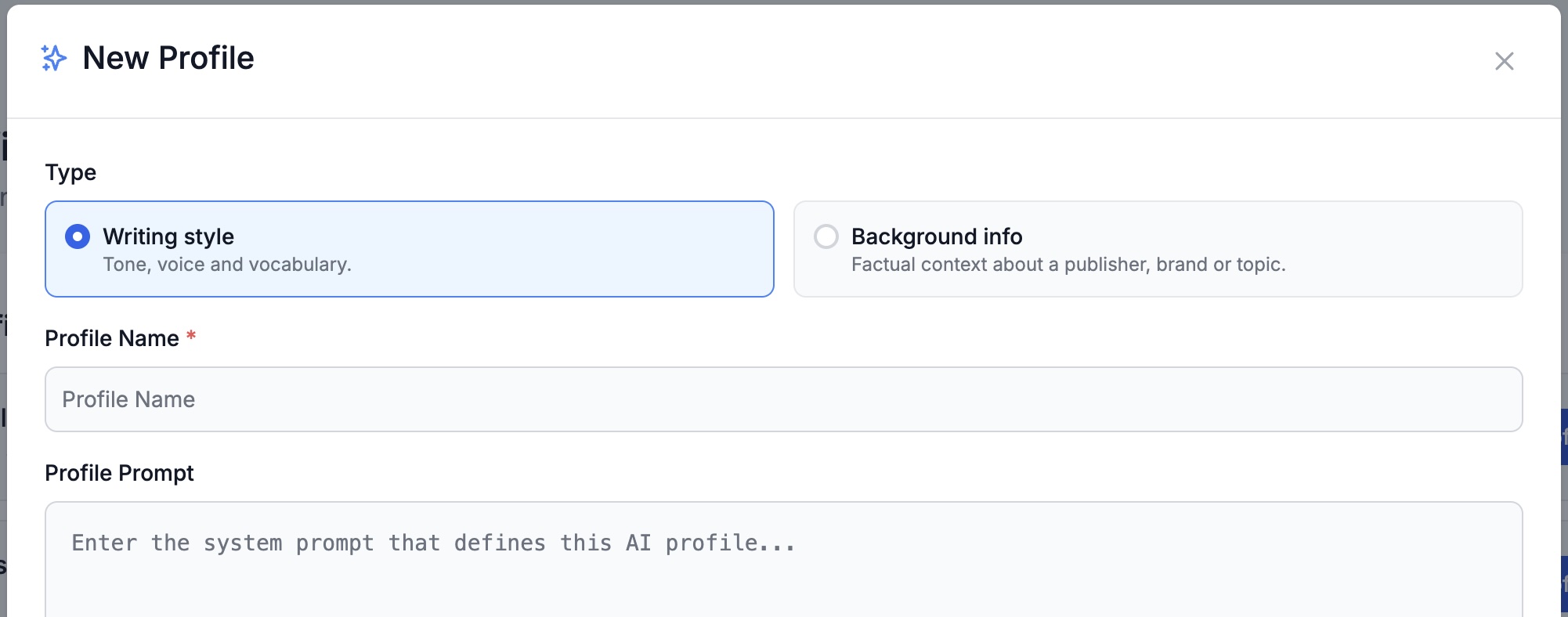
A Quick Guide to AI Profiles in Insight
AI Profiles shape how Insight writes for you: writing styles control tone and vocabulary, background info gives the AI facts about your imprint or brand. Here’s how to use them.
-
Shorten a Manuscript
Why it works: Ask the AI to recommend a list of passages and scenes that can be cut without affecting the overall arc or effectiveness of the book. Below are two distinct versions for fiction and nonfiction Note: AI Chat can recommend a list of passages to cut. However, it does not currently give you…
-
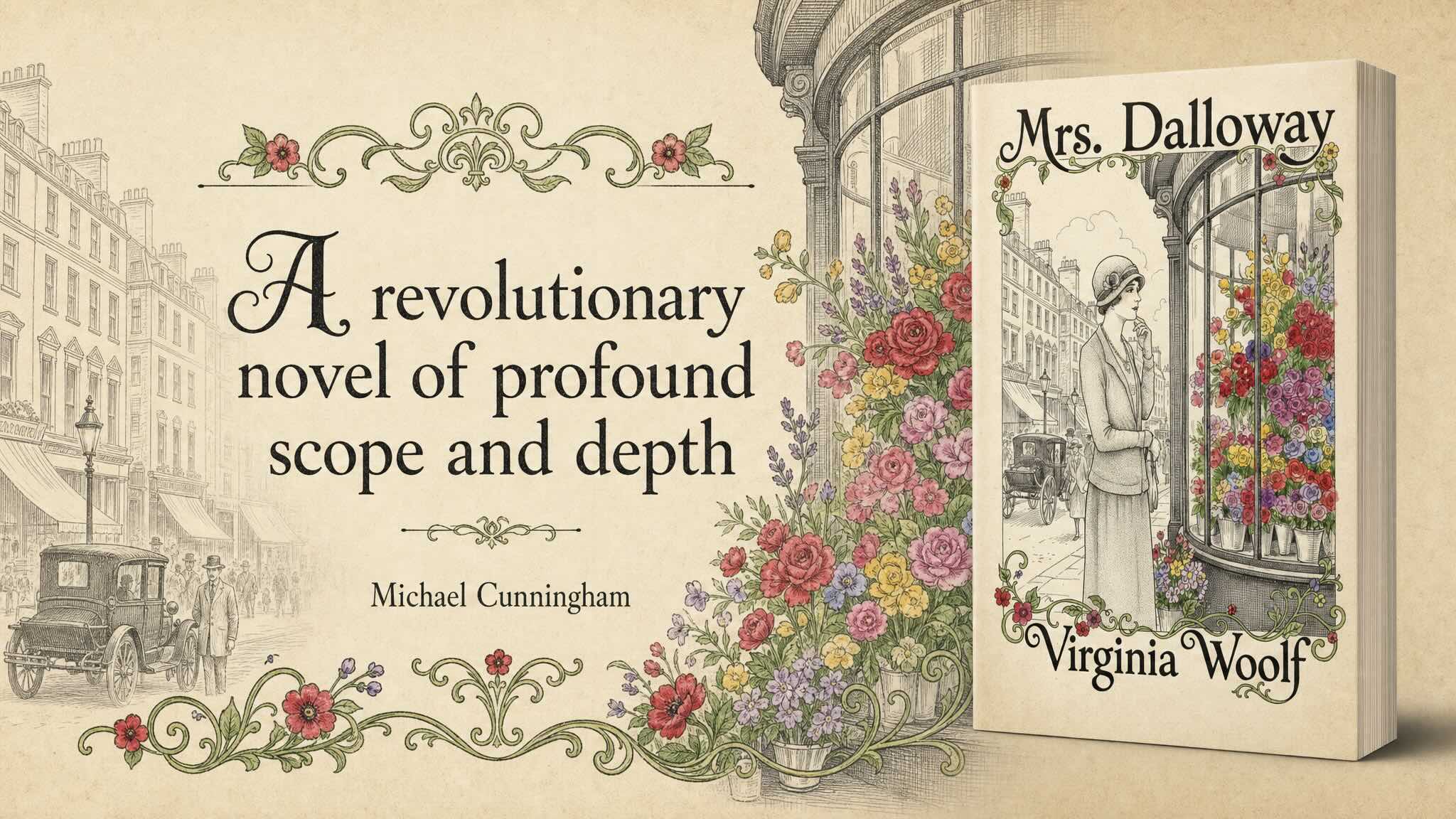
A Guide to Image Prompting in Insight
Try our formula for writing image generation prompts and our tips for how to improve and refine images in AI Chat.
-
GEO Blog Post Ideas for a Book
Why it works: Unlike SEO content that focuses on keywords, AI overviews and Perplexity-style discovery looks for content that can be summarized, cited, extracted into answers, and used for comparisons and recommendations. This prompt focuses on helping you create content about your book that directly answers a question, has a clear angle, contains specific facts,…
-

EPUB Tools: Accessibility, Alt Text, Preview, and Editing
Make your EPUBs accessible, review and correct alt text, check files with industry-standard validators, preview EPUBs in your browser, and edit them in AI Chat.
-
Uploading Books and Documents into Insight
There are two ways to upload and interact with your books and documents in Insight. Learn which one to choose.